From merge to verdict, on its own
Fire Your QA handles the whole process on its own: it picks up the change, sets up a clean test, tests it like a careful QA engineer and reports back.
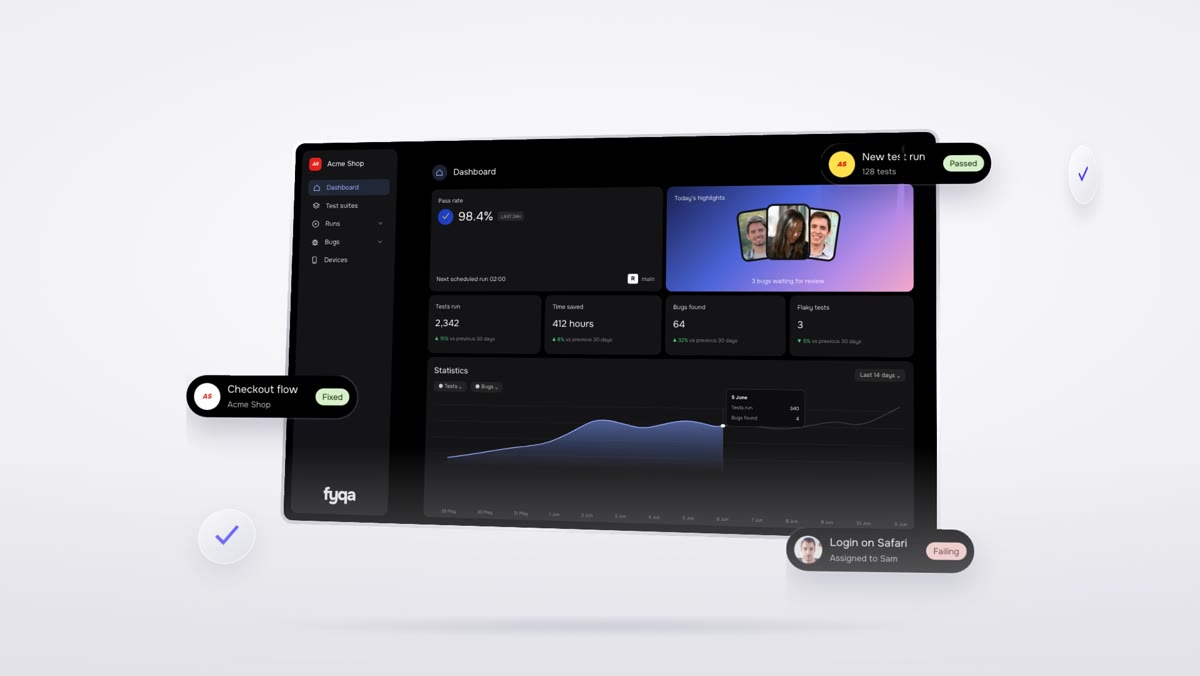
What happens after a merge
A change is merged
Or someone starts a run for a branch, ticket, pull request or scenario.
Picked up and built
Every 30 minutes the latest code is pulled and built once, and new merges are found.
Halves wait for each other
If only the frontend or backend of a feature is in, the run waits for the other half, up to 72 hours.
A private app copy
The run reserves its own copy of your app, built from the exact commit.
Context gathered
The diff, the ticket text, the explainer video transcript and any earlier report for the same ticket.
A fresh test account
A new company and user are created, then the agent writes a test script, reusing known steps.
Tested and repaired
The script runs. If it crashes, the agent fixes it and runs again, up to four times.
Reported
A report with screenshots, results in your test manager, and a short narrated video.
Published where your team works
The report goes to your docs, the evidence links go on the ticket, and a short summary goes to your team chat. The people who made the change are copied in, and mentioned when something fails.
It tries to break the feature
The agent follows a written testing approach: the happy path, real world data, data that should be rejected, and the areas around the change that could have broken. It checks every place your app shows the same information, and reports side errors even on a passing run.
- Acceptance criteria from the ticket
- Two or three nearby areas checked for regressions
- Console errors, failed requests and untranslated text reported
A staging app and access to your tools
You give it your repositories, a staging or test environment, and access to your tickets, docs and team chat. During founding customer setup we connect everything with you.
- Code on Bitbucket, GitHub, GitLab or Azure Repos
- Tickets in Jira, Linear and many more
- An API key from Anthropic, OpenAI or Google
Fire your QA backlog,
not your team
Let agents test every pull request, keep your regression suites green and send your team clear reports, videos and bug tickets.