Every bug. One report.
Each run produces a report anyone can read: what was tested, every step with a screenshot, the evidence behind each finding and the test data it created. It is filed in your docs, linked on the ticket and summed up in your team chat.
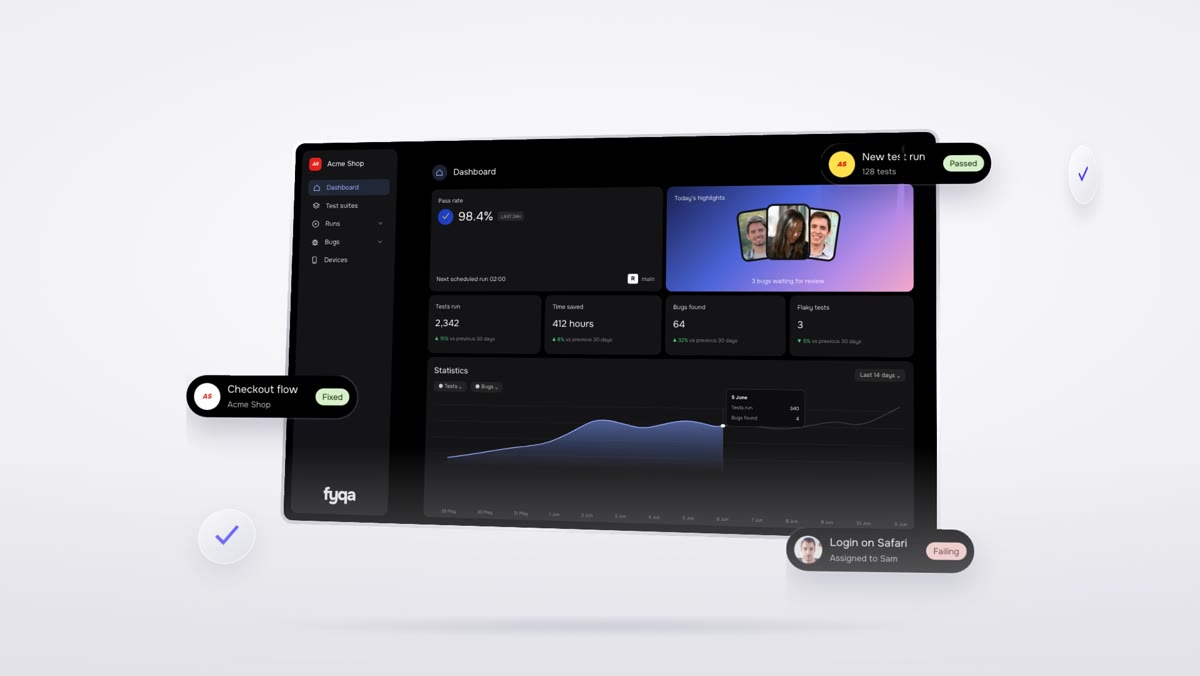
Written for product people, detailed enough for developers
Verdict and summary
PASS, FAIL or a named blocker, the AI model that ran it and a short summary of what was tested.
Every step, on screenshot
Numbered steps with a screenshot for each one, so you can follow the test without running it.
Evidence
Console messages, network calls, and request and response bodies for anything that went wrong.
Findings
Expected against actual for every problem, with the file and line in your code where it comes from.
Test data created
A list of the accounts and records the run created, so nothing is a mystery later.
The test script
The exact script that was run, so a developer can run the same test again.
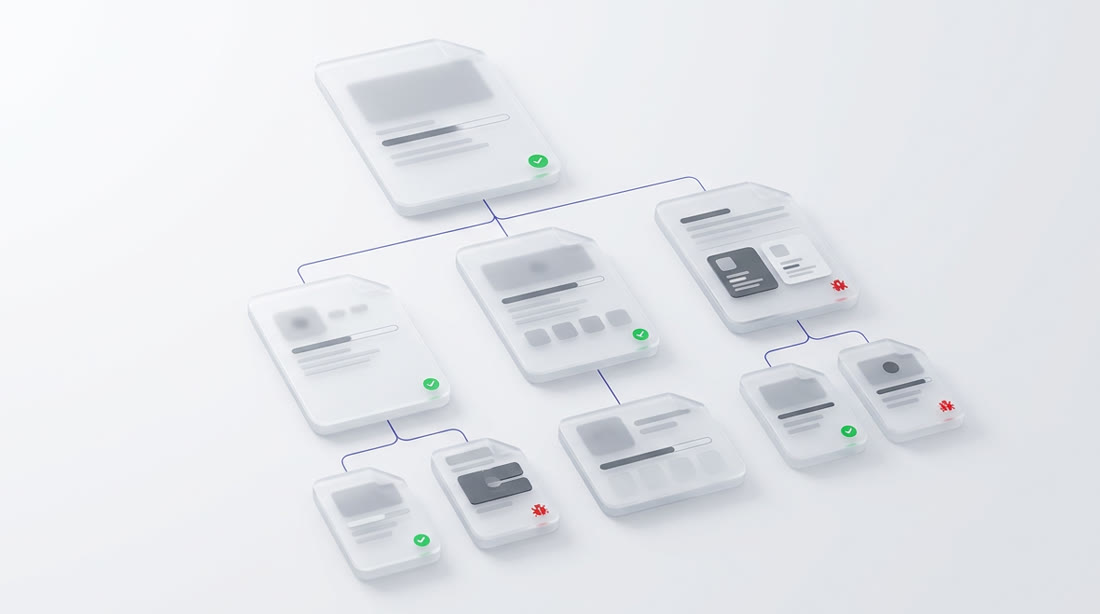
Filed in a tidy page tree
Reports are published to Confluence in a structure that stays easy to browse: one section per area of your app, one page per ticket, and one sub page per run. The video sits at the top, the screenshots are attached.
- One off runs get their own section
- Deep link straight to the video
Proof on the ticket, history in your test manager
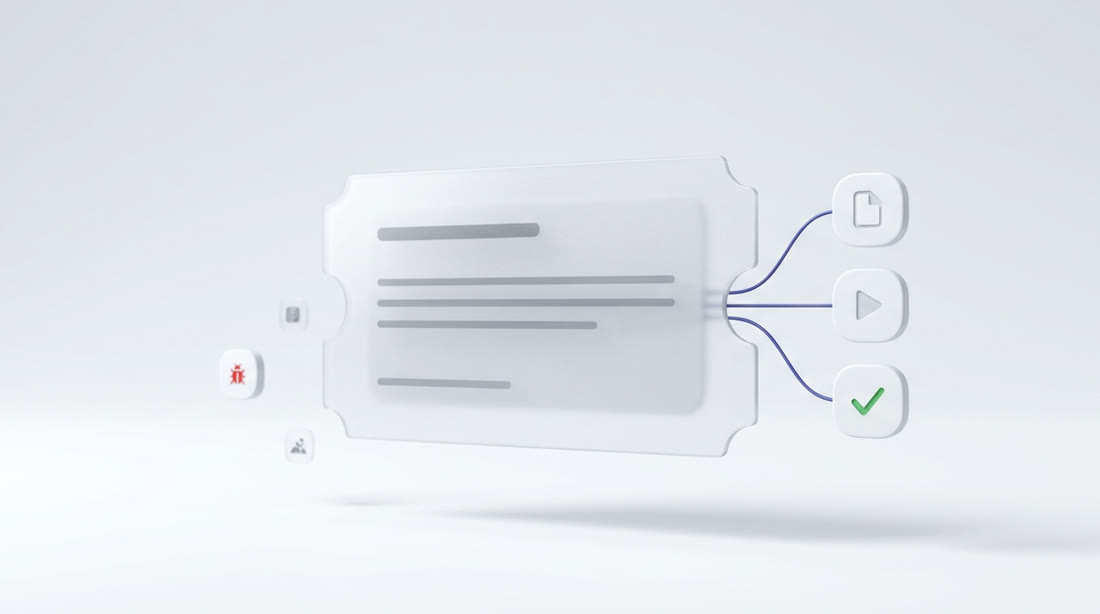
The report, the video and the test run links are written onto the Jira ticket. Results, screenshots and one defect per finding are pushed to Qase, so your test history builds up on its own.
- Three evidence links on every ticket
- Test cases created or reused automatically
- Defects linked back to the ticket
One short message per run
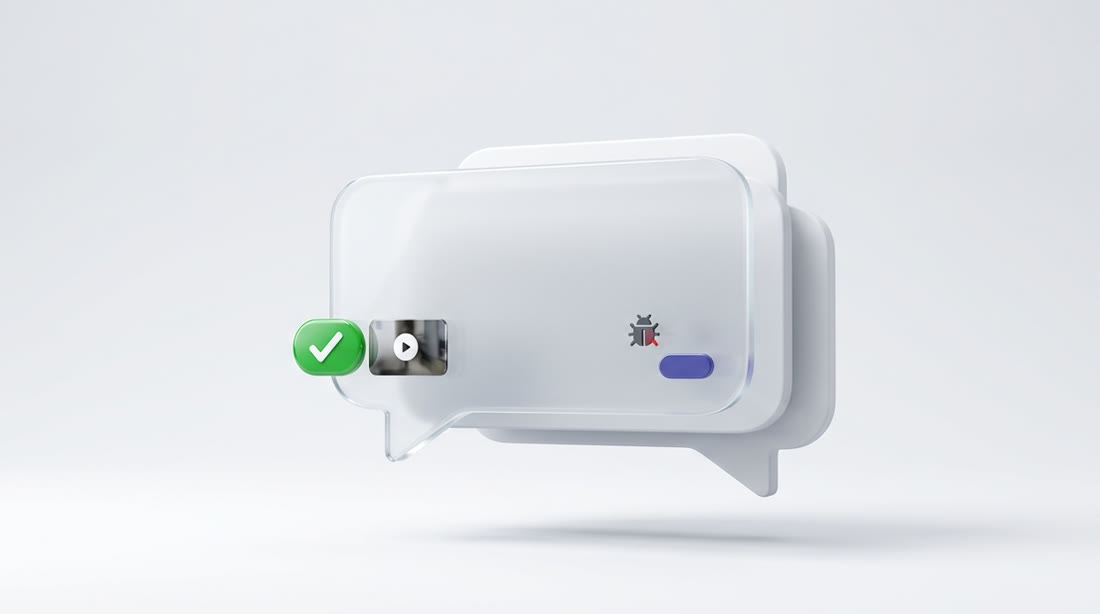
A Slack message with the ticket, the verdict and links to the full report. When the verdict is not PASS the video is attached and the people who made the change are mentioned. On a PASS they are only copied in.
- No noise while a run is waiting or paused
- Failures to start are reported too
Fire your QA backlog,
not your team
Let agents test every pull request, keep your regression suites green and send your team clear reports, videos and bug tickets.