See exactly what the agent saw
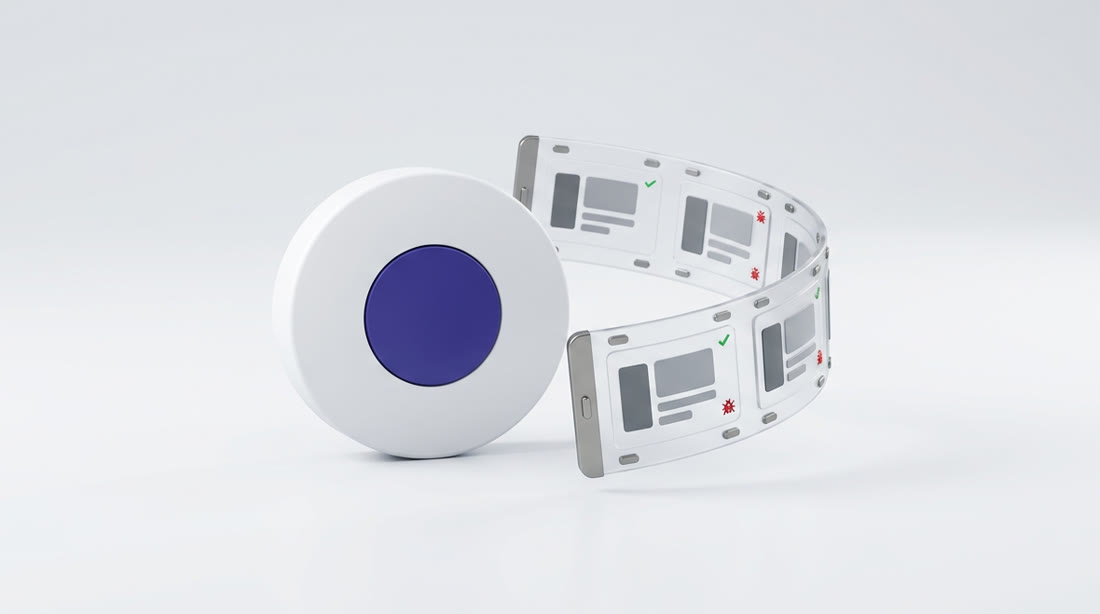
Every run is recorded. You get a screenshot of every step, screenshots of every open page if something crashes, full traces, and video of each test. When something breaks, you can watch it break.
Evidence without asking for it
Step screenshots
One screenshot per step, taken after the step’s checks pass, so each picture proves something.
Crash screenshots
If the browser crashes or a script fails, every open page is captured along with the browser logs.
Traces
Full traces you can open and step through: clicks, network, console and the page at each moment.
Video
A video of each regression test, and a short narrated video of the result of each QA run.
Server logs
The backend logs from the app copy the test ran against, for when the bug is on the server side.
Clean footage
High resolution footage of your app with every click logged, for product and marketing videos.
Works with Loom, Birdie and NeetoRecord
A recorded bug report from a tester or a customer can start a test run, the transcript of an explainer video gives the agent context, and our recordings can be shared in the tools your team already uses.
- Start a test from a Loom or Birdie bug recording
- Read transcripts from explainer videos
Fire your QA backlog,
not your team
Let agents test every pull request, keep your regression suites green and send your team clear reports, videos and bug tickets.